I flew to Amsterdam from LAX with KLM:
While in the train station in Cologne, I noticed this cool train layout :-)
After a short walk, I was at the Conference hotel:
The Delphi-Tage was organized by Developer Experts .
The Thursday Pre-Conference Workshop was ongoing, so I joined:

After the Workshop I had a short walk to my hotel, and caught a glimpse of the Cologne squares:

At the evening we all gathered in the hotel restaurant, and you can see the great Delphi atmosphere there :-) :


And the great food!

In the morning the city officials decided to give me the royal treatment laying the red carpet on the way to the conference :-D :
Judith Seel from Developer Experts running the registration:
And some of the vendor booths, including Julian from WPTools, and Bruno Fierens from TMS Software :

Marco Cantu opened the conference to a full room:


Detlef Overbeek from Blaise Pascal Magazine and Matthias Gärtner presenting the development of the new Pascal compiler for Javascript:
During the breaks there were some tasty snacks:
And here is me, during my session on Artificial intelligence with Delphi. Pictures made by Julian from WPTools, and Bruno Fierens from TMS Software :

I was showing how easy it is to create Artificial Intelligence projects in Delphi with IntelligenceLab :


And the crowd in the room during my session:

And again some great food for lunch:


And David Millington - the new C++ Builder product manager at Embarcadero did a great session on C++ for Delphi developers:

And Bruno Fierens covering VCL and FMC controls development:

We had an evening with some Cologne Beer and Schnitzel for me :-) :

The next leg of the trip was boarding the ICE128 for Holland:
And here are some pictures done by Andrea Magni:
My booth:

Some of the Arduino projects running on it programmed with Visuino:

And me and Bruno Fierens from TMS Software :

And here is a picture of me doing my session on IoT and Artificial Intelligence with Arduino and Delphi using Visuino, CommunicationLab and IntelligenceLab .
The picture is made by Bruno Fierens from TMS Software :

And the room during my session:


And Bruno Fierens from TMS Software receiving the well deserved 1st Prize for Code Elegance and Design from Blaise Pascal Magazine presented by Detlef Overbeek:

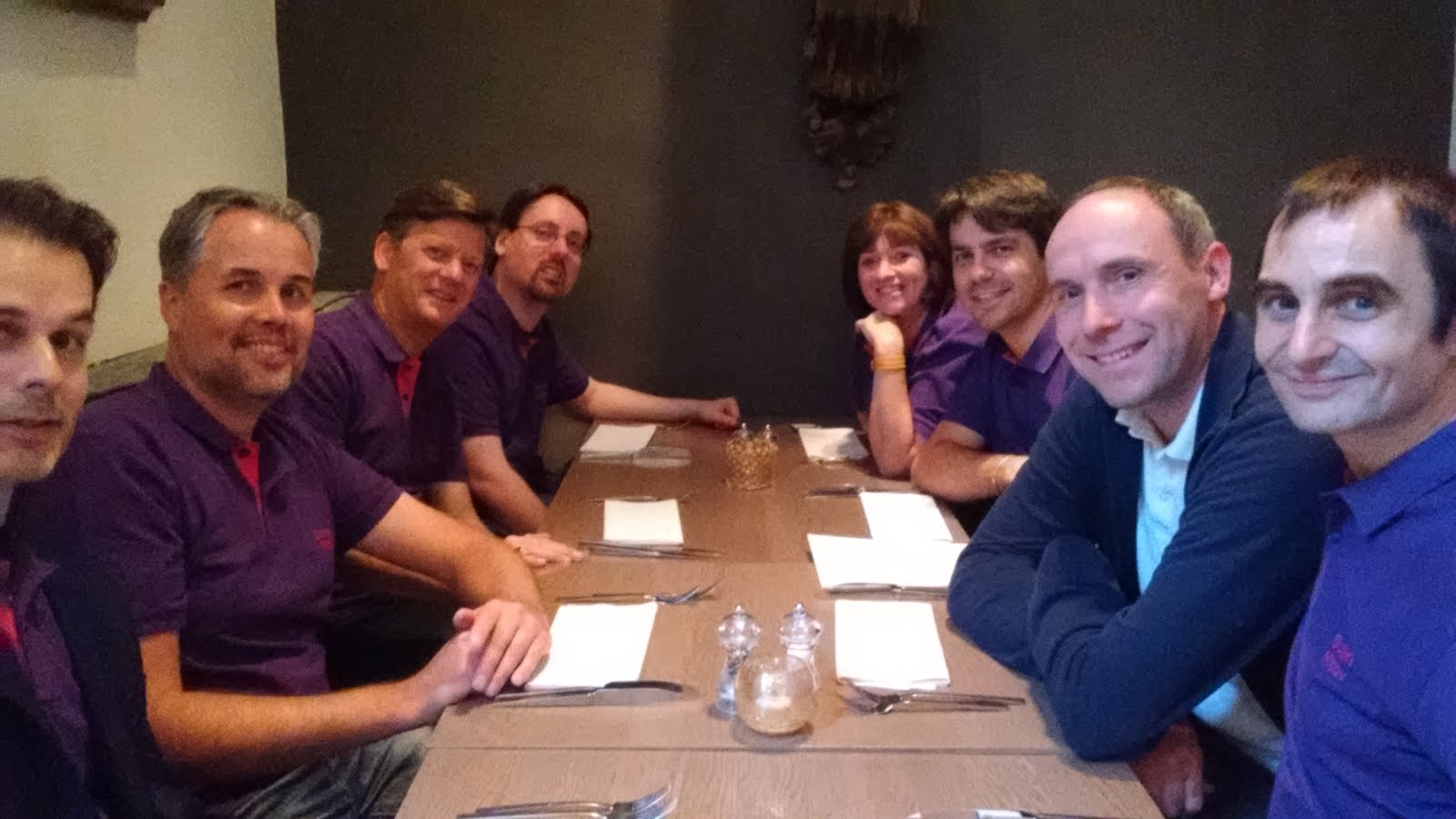
Followed by a great evening together :-) :

And finally the flight back with KLM:

All in all the events were great! The atmosphere was festive, and there was a lot of energy and excitement in the air. It appears that Delphi is making a comeback big time...
Special thank to Developer Experts, Blaise Pascal Magazine, and Barnsten for organizing the great events!
Developer Experts is also organizing Developer Experts Days in Leipzig, and although I will not be able to attend, I am sure it will be another great event, so check it out ;-) .
Cheers,
Boian
#Delphi